Simulated Computer Shell Game
Although at first glance this might look just like a normal unix terminal, the more you play, the more you find.
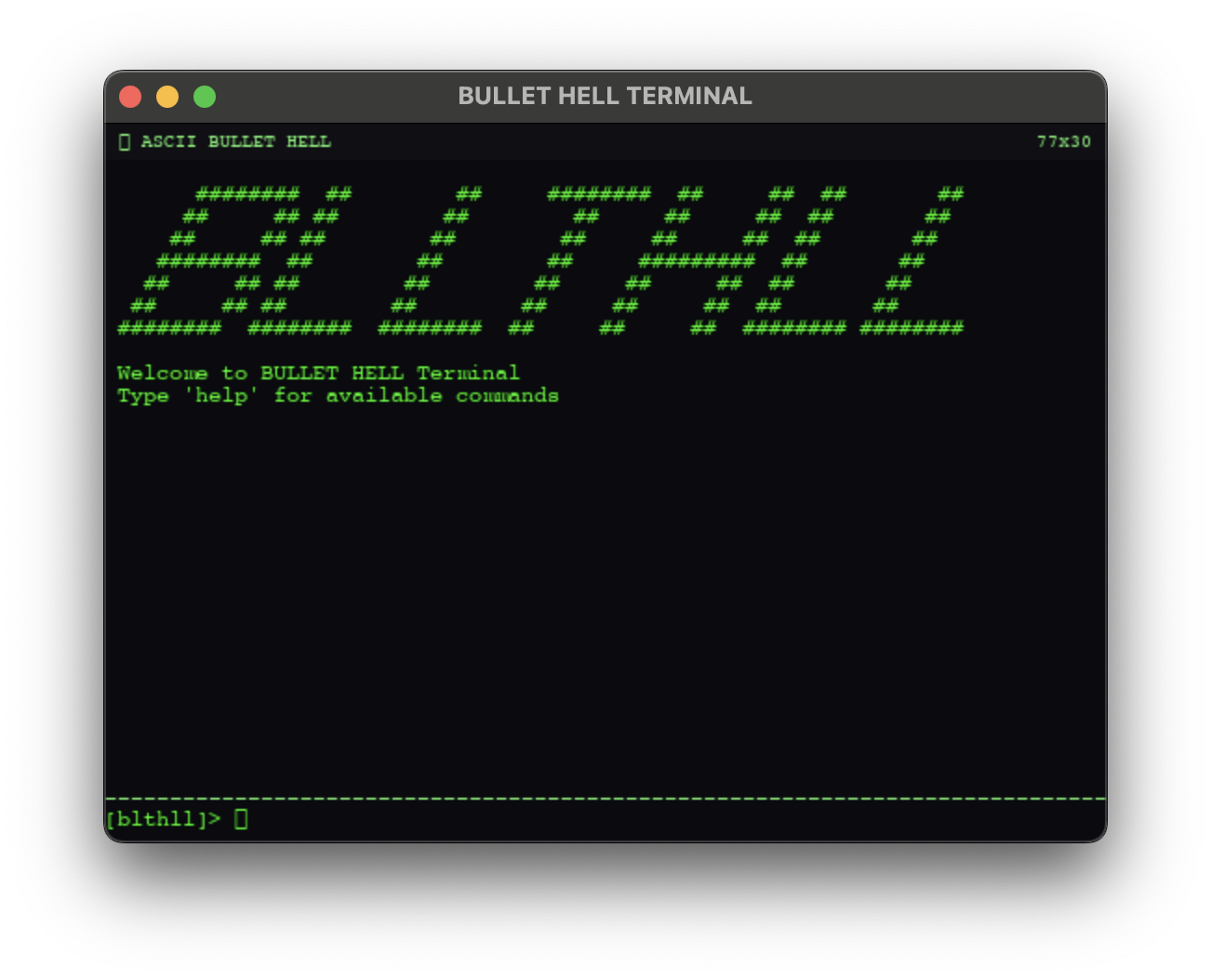
This might look like a fairly normal shell, but you'll probably notice that a few things appear off… In fact, this is something of a code archaeology game, built from the ground up in a completely fake, simulated computer shell.
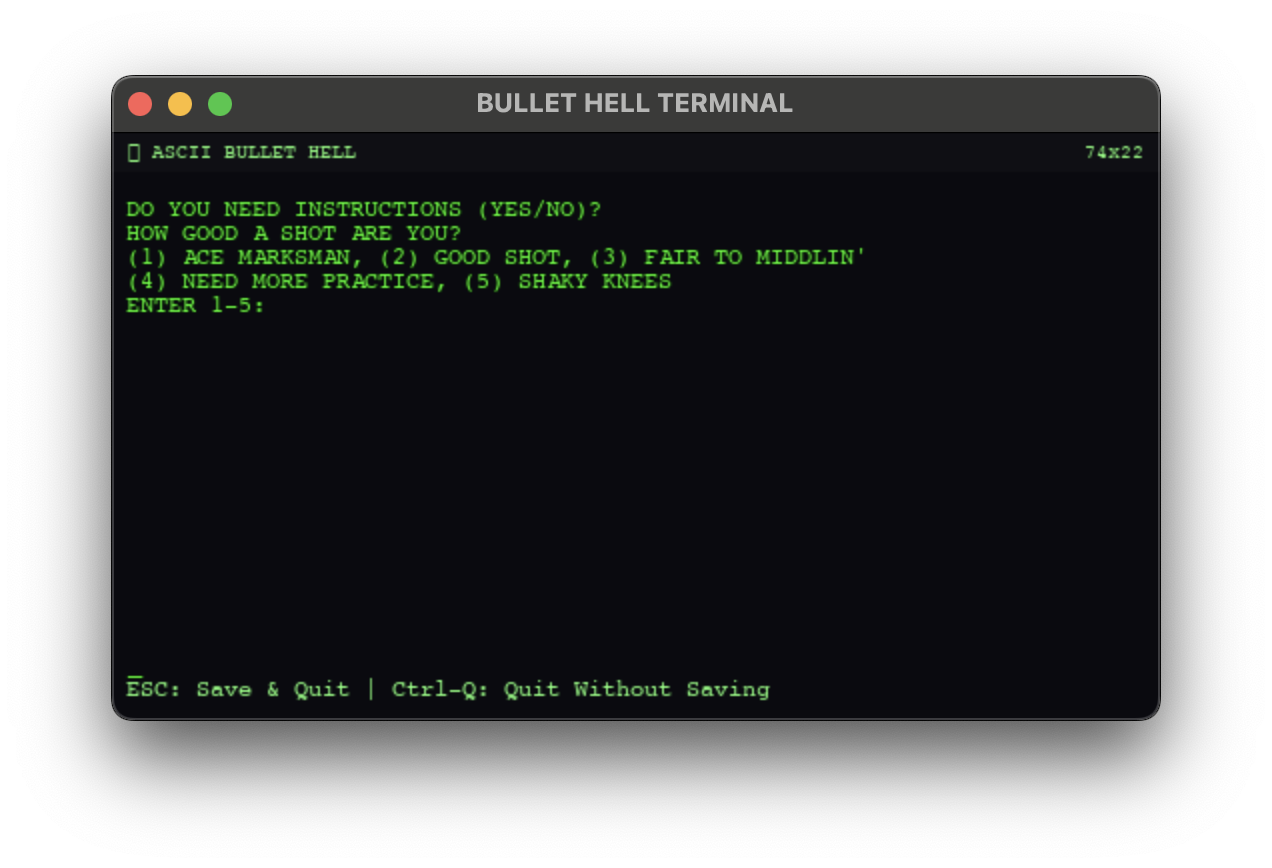
Originally, this started from a concept I had for a simple enough game: bullet-hell style, but animated with ASCII characters exclusively. I made a demo level, and then thought "What should the main menu look like?". That question led me to almost completely abandoning the original concept (although the original demo level is still in the game), and opting instead to make a fully-featured totally custom shell-like game, where your objective as the player is to use core unix and coding fundamentals to solve hidden puzzles and unlock mini games as you go.
Using Python, I wrote my own custom game engine that allows me to mimic standard shell functionalities. There's a completely mutable filesystem, whose manipulation is core to solving many of the hidden puzzles. Simple commands like ls, cat, cd of course are all implemented within my engine and work seamlessly with the custom filesystem. But I couldn't stop there of course — I painstakingly implemented over 40 commands, a sandboxed Python interpreter, a full systemd simulation, and a process manager. All of them are functional, and all of them matter for gameplay.
Sandboxed Python Execution
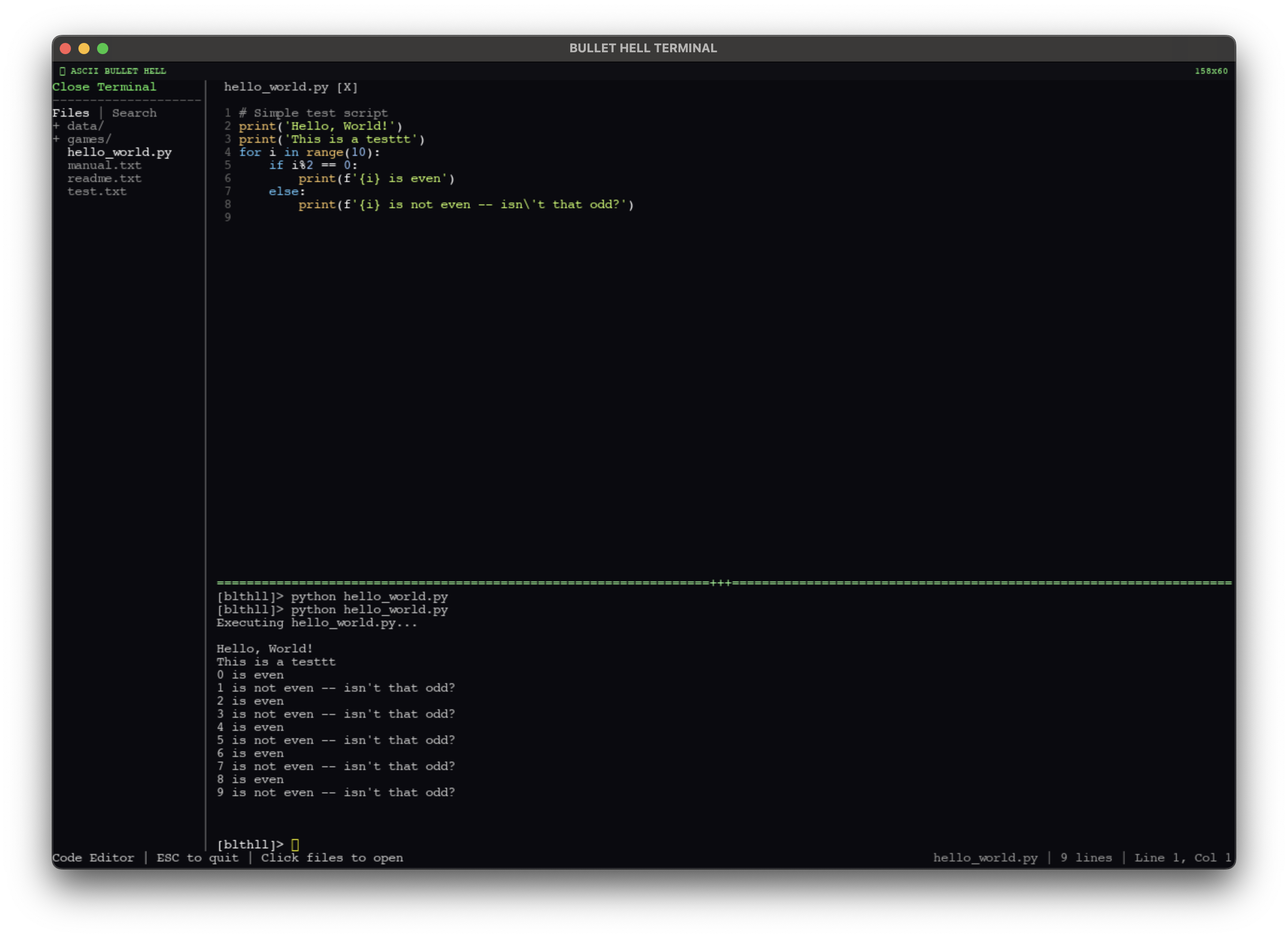
This is the part I'm most proud of. Players can write and execute actual Python scripts inside the game's terminal. Run python script.py and the code executes — but it's not touching your real machine. Under the hood, the game compiles player scripts through RestrictedPython, which strips out dangerous constructs at the AST level before execution even begins. No exec, no eval, no __import__ — the compiler rejects them outright. Each script gets a 5-second timeout enforced via Unix signals, so infinite loops don't freeze the game.
But stripping things out isn't enough if you want the code to actually feel like Python. A player should be able to write import os and have os.path.exists() just work. So I wrote a full virtual os module — a VirtualOS class that implements the standard interface (getcwd, listdir, stat, access, remove, unlink) but routes every call through my custom filesystem instead of the real one. There's a matching VirtualOSPath with exists(), isfile(), isdir(), getsize(). Standard Python constants like os.F_OK, os.R_OK, os.W_OK, os.X_OK are all there.
The open() builtin is replaced with a custom version that returns VirtualFile objects — file-like objects supporting read(), readline(), readlines(), write(), close(), and all the standard modes (r, w, a, x, with + variants). When a script writes to a file, it's writing to my virtual filesystem. When it reads, it's reading from the same tree that cat and ls see. The sandbox even has a custom __import__ that only allows os and os.path, returning the virtual versions. Everything else raises ImportError. The result is that a player can write completely natural Python:
import os

for f in os.listdir('.'):
    if os.path.isfile(f):
        with open(f) as fh:
            print(fh.read())
and it runs exactly as expected — within the game's world.
The Terminal
The command set is designed to feel like a real shell, not a toy. Navigation (ls, cd, pwd, find), file manipulation (cat, head, tail, grep, wc, touch, cp, mv, rm, mkdir), permissions (chmod, stat), process management (ps, top, kill), service management (systemctl), editors (vim, emacs, a full ASCII vscode clone), and system info (whoami, id, uname, hostname, date, uptime, env). You can echo text > file for redirects, echo text >> file for appends, and even brew install emacs if you want to unlock the hidden editor.
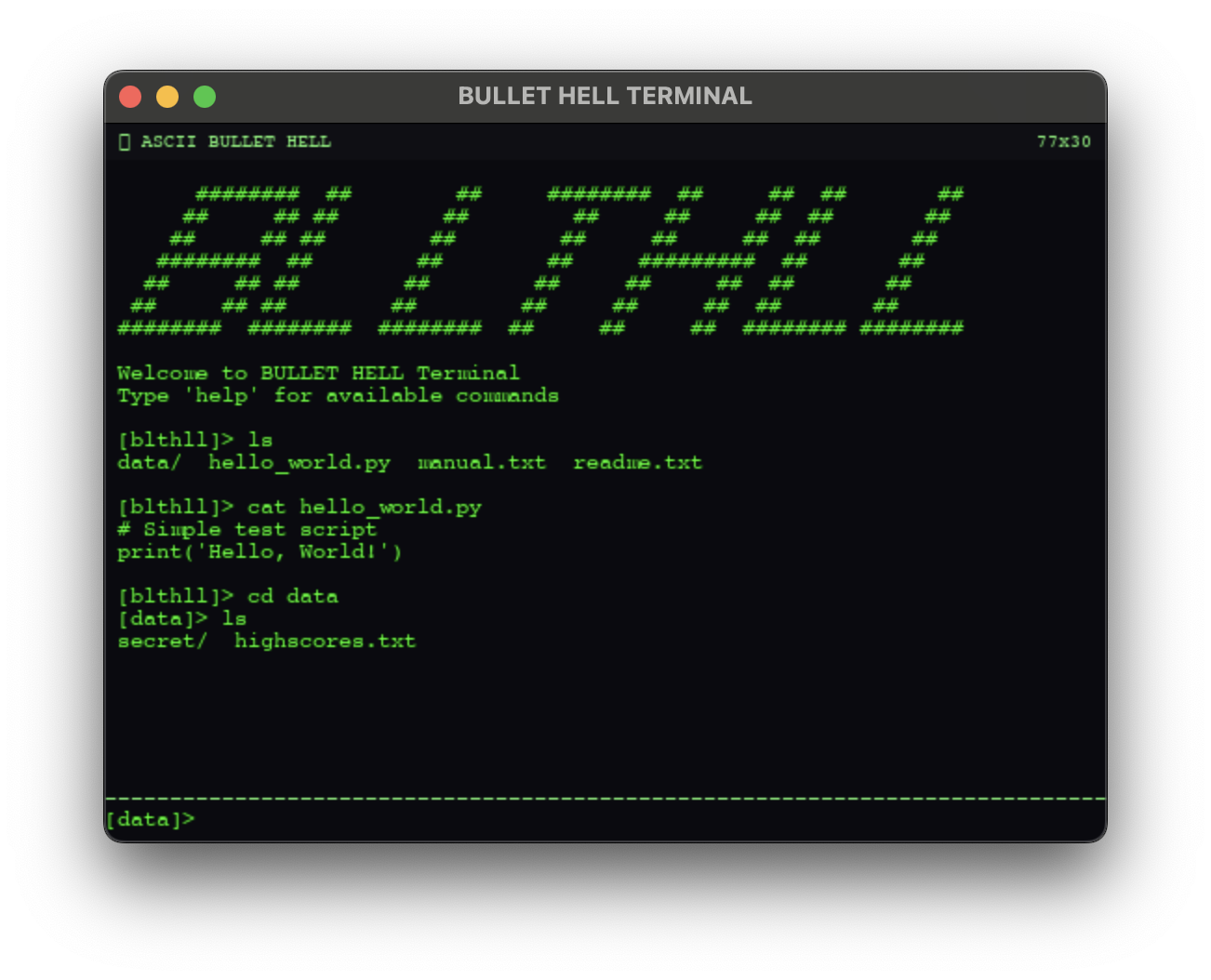
Every command respects the filesystem's permission and ownership model. Files have owners (pilot or root), and the permissions are real 9-character rwxrwxrwx strings. Try to write to a root-owned file without sudo and you'll get a PermissionError, just like you'd expect. Every file tracks access time, modify time, and change time — stat shows them all. The filesystem persists between sessions via a JSON save system, so the game remembers what you've created, deleted, and modified.
Editors
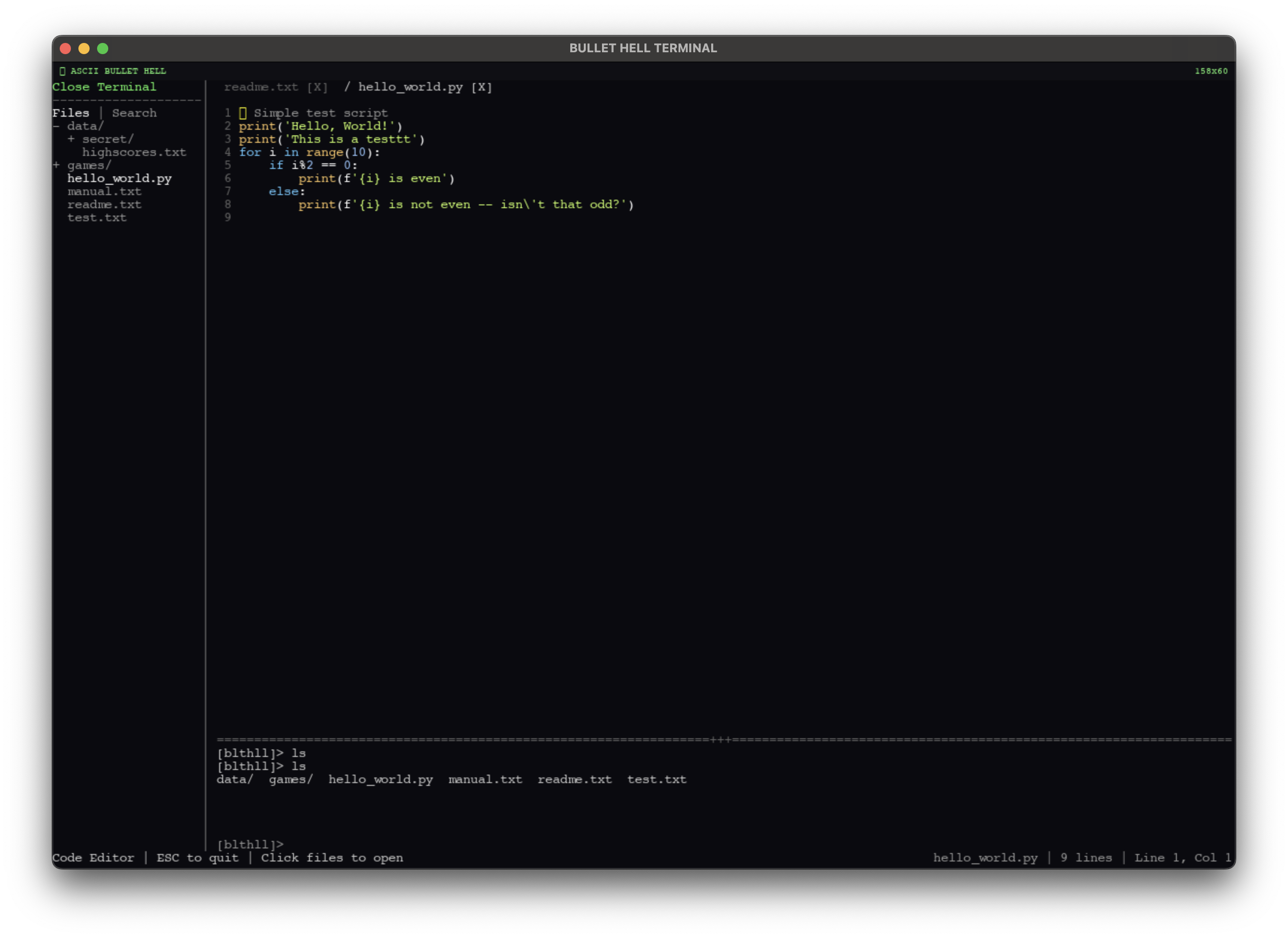
I made versions of emacs and vim (though emacs is hidden :) ), but I also made an ASCII version of vscode, with an integrated terminal, file tabs, a file tree, code search, auto-save, and syntax highlighting.
The Unlock System
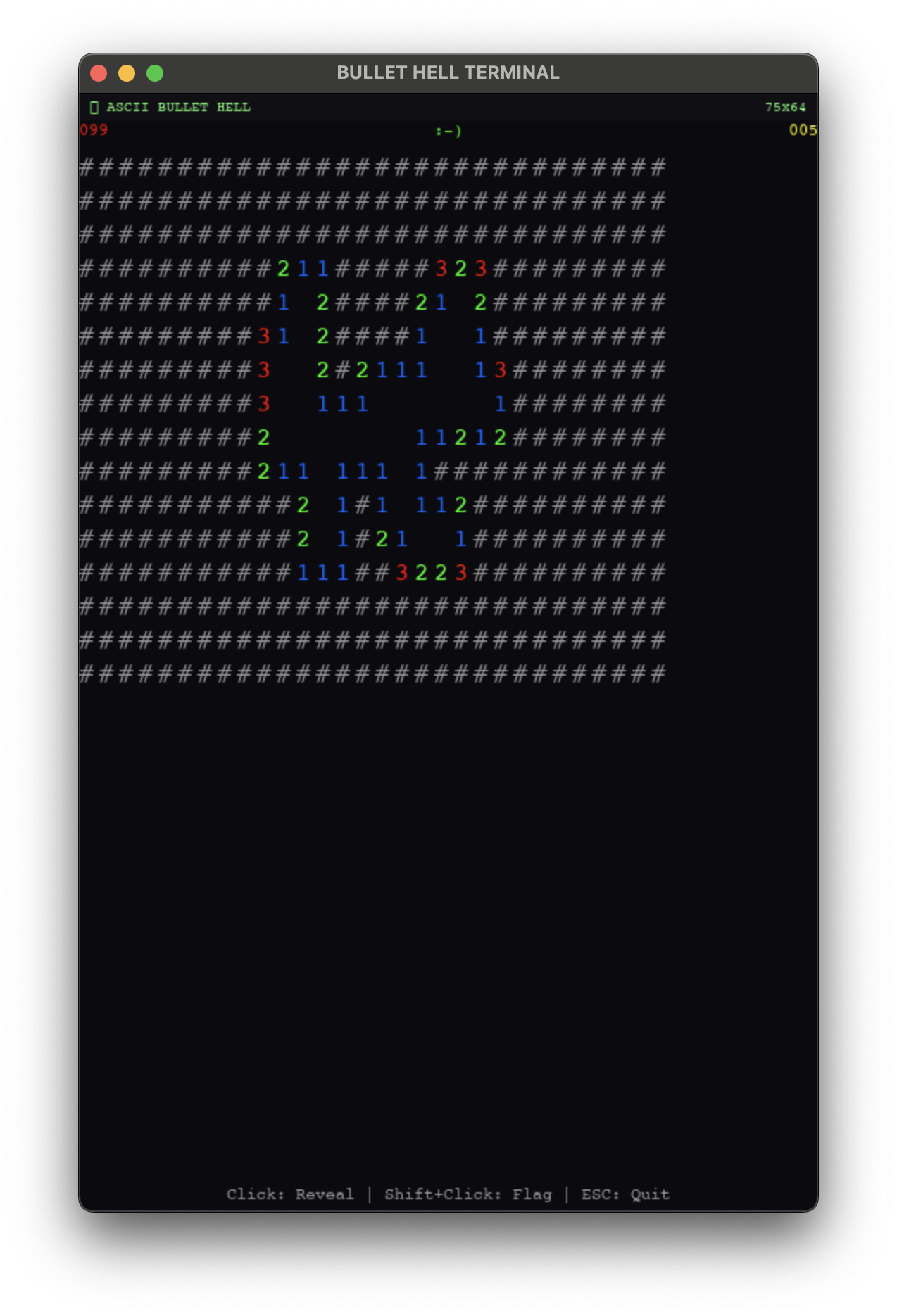
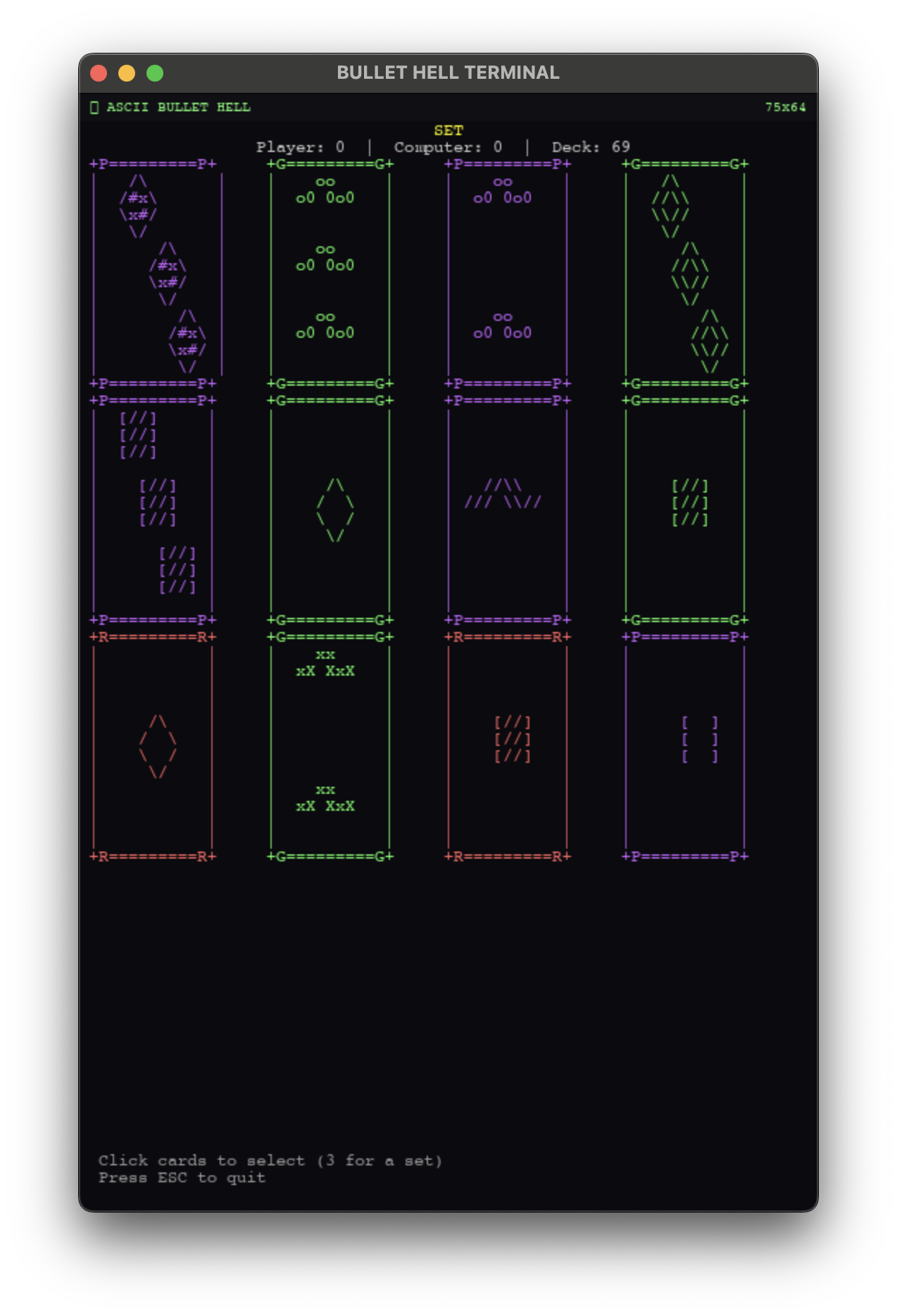
Hidden across the filesystem are puzzles that unlock playable mini games — the original Oregon Trail, Minesweeper, and my favorite card game: SET. Each puzzle teaches a different Unix concept. Minesweeper requires precision rm — there's a grid of hidden .node_* files, and you have to delete exactly the right ones without touching the others. SET is unlocked via chmod — you need to manipulate the permissions on three card files until they satisfy a specific pattern. But the one I want to walk through is the Oregon Trail unlock, because it's by far the most involved.
Case Study: The Systemd Boss Puzzle
There's no reason to have systemd within a game. But I thought it would be an interesting challenge to fully simulate — and then I realized it created the perfect puzzle mechanic. The game runs a handful of services: blthll.service (the game itself), network.service, and a few others. Among them is laser.service, described in its unit file as "Doomsday Device", and cooler.service, the "Cooling System". The laser requires the cooler to run — it has Requires=cooler.service and After=cooler.service in its unit definition.
There's also shield.service, which has Conflicts=laser.service. So the shield and the laser can't run simultaneously — starting one stops the other. But the shield is masked, so you can't just start it. The puzzle is: how do you disable the laser when you can't directly stop it (it auto-restarts), and you can't start the shield?
The answer involves three steps, each teaching a real sysadmin concept. First, there's a broken Python script sitting in /usr/local/deprecated — you need to move it to /bin/systemctl and chmod it executable. This is the mechanism that gives you working systemctl commands in the first place. Second, you need to create a drop-in override directory: mkdir /etc/systemd/system/cooler.service.d. This is the real systemd pattern for patching service behavior without modifying the original unit file.
Third — and this is the fun part — you write an override config:
[Unit]
Conflicts=laser.service
into cooler.service.d/override.conf. This creates a dependency paradox. The laser requires the cooler, but the cooler now conflicts with the laser. When the laser tries to start, it attempts to bring up its dependency. The cooler starts, sees the conflict, and kills the laser. But the laser needs the cooler running to function. The result is a cascade failure: CRITICAL ERROR: OVERHEAT DETECTED. Laser firing canceled. Boss Vulnerable!
The systemd manager resolves this exactly how real systemd would — dependencies are started first, conflicts are enforced, and when the two rules contradict, the service can't stabilize. The player doesn't need to know any of this going in. They just need to explore the filesystem, read the unit files, understand what Requires and Conflicts mean, and realize that a drop-in override lets them patch the cooler's behavior without root access to the original file. It's a real sysadmin technique solving a fake problem, which is exactly the kind of thing I wanted this game to teach.
There's more buried in the game that I haven't mentioned — easter eggs, a Konami code, a process you can kill to unlock a hidden Galaga clone. If you want to find everything, you'll just have to play it yourself.